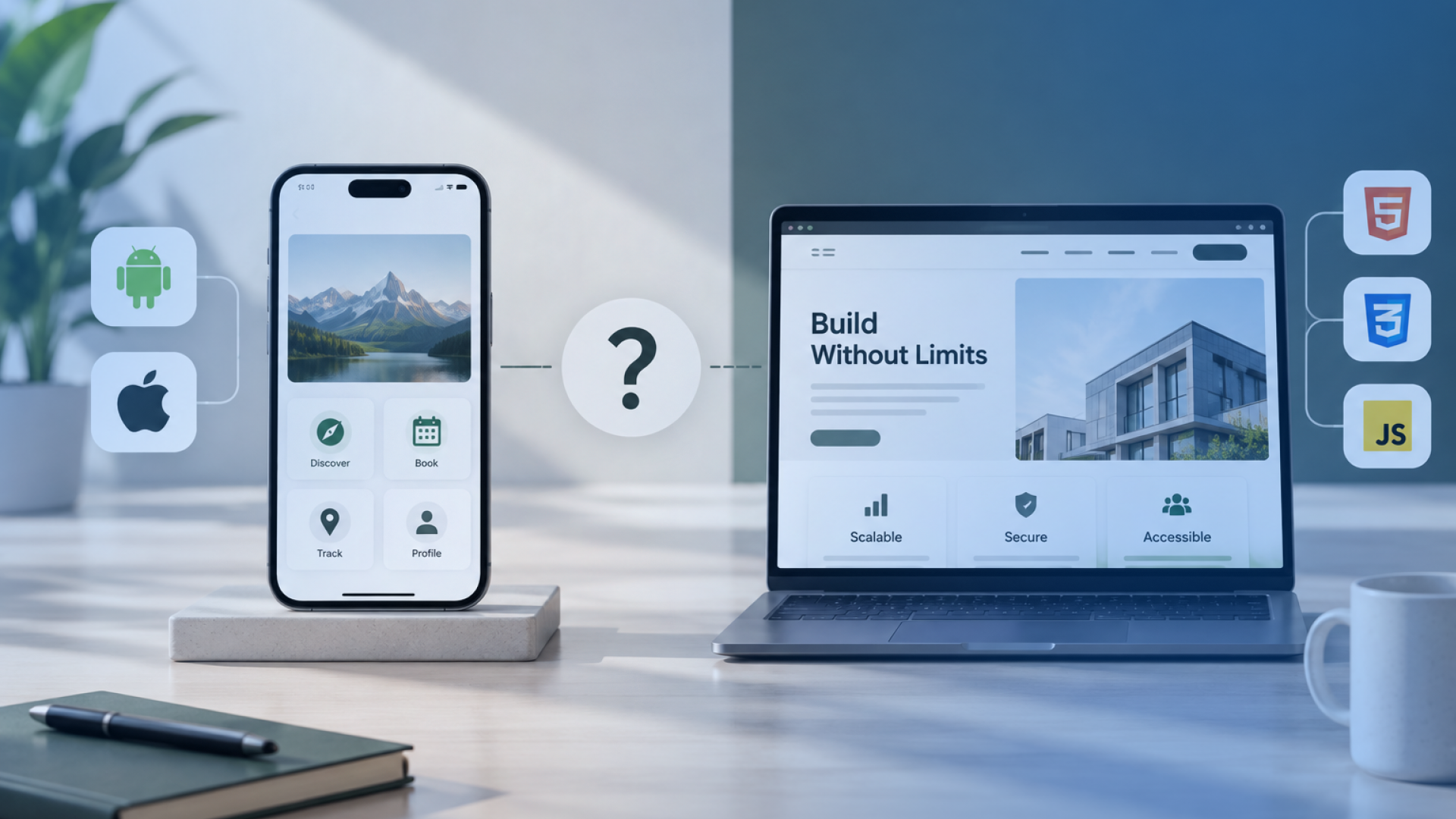


A mobile app runs within a mobile operating environment and can make deeper use of capabilities such as location, camera access, notifications, local storage, and device hardware. A web app runs through a browser, giving users access across compatible phones, tablets, laptops, and desktops.
When we assess mobile app vs web app requirements, I start with how people will use the product. A field workflow that depends on offline access, frequent mobile interaction, or device features points in a different direction from an internal system used mainly through desktop browsers.
The decision also depends on performance, distribution, integrations, security, maintenance, and the product roadmap. Some businesses need one application type. Others need mobile and web interfaces serving different users around the same underlying systems.
Mobile Apps and Web Apps Serve Different Product Requirements
A mobile app is software built for use within a mobile operating environment, typically on a phone or tablet. A web app is interactive software accessed through a browser. In practice, we separate them by how users access the product, how the software behaves, and which device capabilities the workflow depends on.
A web app can work well on a mobile screen. Its browser-based delivery still differs from a native or cross-platform mobile application that can interact more directly with the operating system and device hardware.
A responsive website also serves mobile screens, although its main purpose may be presenting information rather than running account-based workflows, business logic, transactions, or operational processes.
Factor | Mobile App | Web App | Why It Matters |
Access | Installed or distributed to a device | Opened through a browser | Changes entry friction |
Platform reach | iOS, Android, or both | Compatible browsers and devices | Affects coverage |
Device integration | Deeper access is available | Access varies by browser and OS | Matters for device-dependent workflows |
Updates | App release process | Central web deployment | Changes release operations |
Typical fit | Frequent, device-centred use | Browser-led workflows | Connects delivery to user behaviour |
Business Requirements Determine Whether Mobile or Web Fits Better
The platform decision starts with the operating requirement. The strongest signals come from who uses the product, where they use it, what the device must do, how reliable connectivity is, and how access may change as the product grows.
User Context Shapes the Delivery Channel
A product used repeatedly by people away from a desk creates different requirements from a system used mainly by staff in an office. User roles, location, frequency of use, and the devices already involved in the workflow help define the platform direction.
Required Device Features Influence Platform Choice
Camera capture, location services, Bluetooth, biometric authentication, sensors, and background activity can influence the delivery route. Where a workflow depends heavily on these capabilities, their required behaviour needs to be established early.
Connectivity Requirements Influence Application Architecture
Network conditions matter when users need to complete work in warehouses, vehicles, construction sites, rural locations, or other environments with inconsistent connectivity. We treat offline or interrupted use as an operating requirement that needs explicit definition rather than a general feature request.
Distribution Requirements Influence User Access
How users reach the product also affects the decision. A browser link can reduce the steps needed to begin using an application, whereas an installed mobile product introduces installation and release considerations.
Product Roadmaps Influence Long-Term Platform Strategy
The first release should also reflect likely future use. A browser-based internal tool may later need field access, or a customer mobile product may require an administrative web interface.
Before choosing the delivery route, confirm:
who will use the application and where
which device capabilities the workflow requires
how the product must behave with limited connectivity
how users will gain access
which future roles or workflows are already expected
Mobile Applications Support Device-Centred and Frequent User Workflows
The strongest case for a mobile application appears when the phone or tablet plays an active role in completing the work. The decision becomes easier when users need regular access away from a desk, rely on device functions during a task, or need the application to remain useful when network conditions change.
Mobile Apps Support Deeper Device Integration
A mobile application can work closely with capabilities such as the camera, GPS, Bluetooth, biometrics, local storage, and notifications. We would favour this direction where those capabilities form part of the core workflow, such as scanning an item, recording a location, authenticating a user, or connecting to nearby hardware.
Mobile Apps Support Persistent User Engagement
Frequent-use products may benefit from remaining readily available on a user's device. Saved authentication, notifications, background behaviour where supported, and quicker return access can suit applications that users open repeatedly throughout the day.
The value comes from the usage pattern. An application used once every few months has a different engagement requirement from one used during every delivery, inspection, appointment, or customer interaction.
Mobile Apps Support Field and Offline Workflows
Field teams may work in places where connectivity becomes slow or unavailable. In that situation, the application needs clear rules for which tasks continue locally, which data is stored temporarily, and how changes synchronise once connectivity returns.
For example, an engineer completing site inspections may need to capture photos, record observations, and save a job status before mobile coverage becomes available again. That operating constraint can make mobile delivery more appropriate.
Mobile Apps Support Platform-Specific Experience When It Matters
Some products require behaviour that closely follows iOS or Android capabilities, permissions, interaction patterns, or hardware integrations. Once mobile suitability is established, the next engineering decision is whether native or cross-platform development provides the required level of platform access, consistency, and maintenance control.
Once you have decided that mobile is the right delivery route, our guide to app development from idea to launch explains the wider process of turning an app concept into a planned, designed, developed, tested, and released product.
Web Applications Give Businesses Broad Browser Access and Centralised Delivery
Web applications fit well when users need reliable browser access across different devices and locations. This is common for portals, dashboards, internal systems, administrative tools, and business applications where the browser is already part of the working environment.
Web Apps Reduce Access Friction
Users can generally open a web application through a supported browser without installing software from an app store. That can make access simpler for customers, employees, partners, or occasional users who need to reach the system quickly.
Web Apps Support Cross-Device Business Workflows
A web application can serve users on laptops, desktops, tablets, and mobile browsers from the same application environment. This becomes useful when different roles perform related tasks on different devices, such as staff updating records on desktop while managers review the same data from a tablet.
Web Apps Centralise Application Updates
Web applications allow the product team to deploy changes centrally. Users typically access the updated version when they return to the application, which can reduce the operational effort required to coordinate separate client-side releases.
This still requires disciplined testing across supported browsers, screen sizes, integrations, and user roles.
Web Apps Fit Many Internal and Administrative Systems
Browser delivery often suits CRM portals, reporting dashboards, workflow systems, inventory interfaces, booking platforms, account management tools, and other applications that are used primarily through structured screens and forms.
Where these workflows depend more on shared data, integrations, permissions, and desktop productivity than on deep access to device hardware, a web application deserves early consideration.
If browser-based delivery fits your users and workflow, our web development services in Ireland cover web applications, portals, business systems, integrations, and other browser-based products built around operational requirements.
Device Capability and Performance Separate Mobile and Web Experiences
For a device-dependent product, technical possibility alone does not establish suitability. The more useful question is whether the required behaviour works reliably across the browsers, operating systems, permissions, and devices the business needs to support.
Capability | Mobile App | Web App | Decision Question |
Camera and media capture | Deep platform access | Available through supported browser APIs | Required capture quality and workflow |
Location | Strong device integration | Widely supported with user permission | Accuracy, frequency, and background requirements |
Notifications | Established platform capability | Available in supported environments | Target OS, browser, installation state, and permission model |
Offline use | Local storage and application logic can support extensive offline workflows | Service workers and caching can support offline experiences | Which tasks and data must remain available |
Bluetooth and hardware | Broader platform-level integration options | Support varies by browser and device | Exact hardware and browser population |
Background activity | Greater platform control, subject to OS restrictions | Some capabilities have limited browser support | Whether work must continue when the interface is inactive |
Performance | Can be closely optimised for the target platform | Depends on browser, workload, rendering, and device | Actual processing and interaction requirements |
We would therefore test the required capability set against the real user environment before choosing a platform. A web app may support location, notifications, offline behaviour, and selected hardware access, but support conditions can change the practical result. For workflows that depend heavily on sustained background processing or specialised device integration, mobile delivery may provide greater implementation control.
Distribution and User Access Change How Businesses Reach Their Audience
How users reach an application affects adoption, release operations, and the amount of friction before the first interaction. The acquisition model belongs in the platform decision because customer-facing apps, employee systems, and partner portals can require different distribution paths.
Web Apps Let Users Start Through a Browser
A web app can usually be opened from a link through a supported browser. That suits products where users need quick access, occasional use, or entry from search, email, internal systems, or another digital channel.
Authentication, permissions, and account setup may still add steps, but installation is generally unnecessary.
Mobile Apps Use Installation and Store Distribution
Mobile applications commonly reach users through platform app stores, adding submission, review, release, installation, and update considerations.
As of September 2026, users in Ireland and other EU countries can also install eligible iOS and iPadOS apps through alternative app marketplaces or directly from an authorised developer’s website using Apple’s Web Distribution framework. Apps distributed through these routes remain subject to Apple’s notarisation process, and developers must meet the applicable distribution and authorisation requirements.
Apple has announced revised EU business terms and expanded eligibility requirements that take effect on October 1, 2026. Businesses planning alternative distribution should therefore check Apple’s current requirements at the point of release.
Product Discovery Depends on the Acquisition Model
The intended user's normal discovery path should influence the distribution model. A public service may benefit from browser-based entry, whereas a frequently used consumer or workforce product may justify installation.
Factor | Mobile App | Web App | Business Consideration |
Initial access | Usually requires installation | Browser link | Entry friction |
Distribution | Stores and eligible alternative channels | Website or direct link | Audience acquisition |
Releases | Platform release process | Central deployment | Operational control |
Discovery | Store, brand, campaign, direct distribution | Search, links, campaigns | How users find the product |
Distribution should therefore be treated as part of the product requirement, especially where the success of the application depends on how quickly and reliably users can reach it.
Development and Maintenance Models Change the Long-Term Product Effort
Long-term development effort depends on the environments the product must support over time. Development effort grows with the number of operating systems, browsers, devices, integrations, release paths, and dependencies involved.
Platform Coverage Changes Development Scope
A web application may need testing across several browsers, screen sizes, and operating environments. A mobile product may need iOS, Android, or both. Where shared code is used, platform-specific work can still remain around permissions, device APIs, interface behaviour, and release requirements.
Release Processes Change Operational Effort
Web teams can deploy changes centrally. Mobile releases usually involve packaged application updates and platform release processes. Release planning needs to account for approval, rollout, compatibility, and user adoption because these factors affect how quickly a change reaches the full user base.
Testing Requirements Change Across Platforms
Testing effort depends on the supported environment. Browser versions, device models, operating-system updates, integrations, authentication flows, and hardware behaviour can all create separate acceptance conditions.
Maintenance Depends on Product Complexity
The number of codebases alone is a weak basis for estimating maintenance. A single application with complex integrations, permissions, data flows, or external dependencies may require more ongoing work than two simpler interfaces.
Long-term effort therefore depends on what must remain compatible, secure, testable, and supportable as the product changes.
Security and Data Requirements Apply to Both Mobile and Web Applications
Neither a mobile app nor a web app is automatically more secure. Security depends much more on how the application is designed, how data moves through the system, which controls protect access, and how the product is maintained.
Both application types may rely on authentication, role-based permissions, APIs, encrypted connections, session controls, logging, monitoring, and secure integration with business systems. The implementation details differ, but the underlying security questions remain similar.
For a mobile application, we would also review areas such as local data storage, device permissions, credential handling, application updates, and exposure through lost or compromised devices.
For a web application, attention usually extends to browser sessions, cookies, server-side access controls, exposed endpoints, configuration, and protection against common web application attacks.
Where personal data is processed, Irish businesses also need to consider GDPR requirements when defining data collection, storage, retention, access, and third-party processing.
The stronger platform decision comes from identifying the actual data and threat model first. Security requirements can then be built into the chosen architecture rather than treated as a platform-level shortcut.
Progressive Web Apps Narrow Some Gaps Between Mobile and Web
A Progressive Web App, or PWA, extends a web application with capabilities that can make it behave more like an installed application. A PWA becomes relevant when browser reach remains important but the product also needs installation, offline access, caching, or notifications.
Service workers can support cached resources and selected offline workflows. A web app manifest can also enable an installable experience in supported environments, allowing users to launch the application from a home screen, dock, or application launcher.
Push notifications are also available in supported web environments. Apple supports Web Push for Home Screen web apps on iOS and iPadOS, so notification support should not be treated as a native-app-only capability.
The important constraint is consistency. PWA installation methods, platform integration, and supported capabilities still vary across browsers and operating systems.
We therefore assess a PWA against the actual requirement set and target devices. If its supported capabilities cover the required workflows reliably, it may provide a practical web-led route. Where the product depends on deeper hardware integration, extensive background behaviour, or platform-specific control, a mobile application can remain the stronger engineering choice.
Some Products Combine Mobile and Web Applications Around One Backend
Some products need more than one interface because different users perform different tasks. A combined mobile and web model makes sense only when different operating roles create distinct interface requirements, with both interfaces sharing core services, data, authentication, and business rules where appropriate.
Customer Products May Use Mobile and Web Interfaces
A customer may prefer a mobile app for frequent account activity, notifications, or device-based interactions, while the same service remains available through a web interface for users who need browser access. The decision depends on how each audience uses the product.
Field Operations May Use Mobile While Managers Use Web Dashboards
A field employee may need a mobile interface for job updates, photos, location data, or offline work. Managers may need a web dashboard for scheduling, reporting, approvals, and oversight.
These are separate interface requirements connected to the same operational system.
Shared APIs Can Support Multiple Application Interfaces
A shared backend can expose APIs used by both mobile and web applications. This can centralise business logic, authentication, integrations, and core data while allowing each interface to support its own user context.
The interfaces still need independent testing where platform behaviour differs.
AI and Automation Can Serve Both Interfaces
AI, analytics, automation, and business-system integrations do not inherently belong to either mobile or web delivery. They can operate behind shared services and provide results to whichever interface the workflow requires.
Interface choice and backend capability are related architecture decisions. Adding another interface does not automatically require duplicating the entire product.
A Business Decision Framework Connects Requirements to the Right Application Type
The mobile app vs web app decision can be reduced to three questions: how users access the product, which capabilities the workflow requires, and how the application must operate over time.
ACCESS covers where users are, which devices they use, how frequently they return, and whether browser entry or installation fits the expected journey.
CAPABILITY covers the functions the product must support, including device hardware, notifications, offline behaviour, integrations, performance, and platform-specific requirements where they matter.
OPERATIONS covers distribution, releases, testing, maintenance, security, supported environments, and the likely direction of the product roadmap.
A mobile app becomes more suitable when device-centred capability and repeated mobile use drive the requirement. A web app becomes more suitable when broad browser access and centrally delivered workflows carry more weight. Some products justify both interfaces because different user roles have different operating needs.
Choose the smallest platform footprint that reliably supports the required users, capabilities, and operating model.
Square Root Solutions Helps Irish Businesses Select and Build the Appropriate Application
At Square Root Solutions, we begin with the business problem, the people using the product, and the workflow the application needs to support. From there, we assess device requirements, connectivity, integrations, data handling, security, and the expected product roadmap before deciding whether mobile, web, or a combined approach fits better.
The technical implementation comes after that decision. Depending on the product, this may involve a mobile application, a browser-based application, shared APIs, business-system integrations, analytics, automation, AI capabilities, or IoT connections where they support the required workflow.
This approach helps keep the platform decision tied to how the software needs to operate rather than starting with a preferred technology.
If your requirements point toward a mobile product, our app development services in Ireland cover the planning, design, engineering, integration, testing, and launch work needed to move from the product requirement to a production application.
Square Root Solutions provides software development services in Ireland for businesses that need to plan, build, integrate, or extend digital products around real operational requirements.
If you are comparing mobile and web options for a planned application, discuss your app requirements with Square Root Solutions to assess the most appropriate delivery route.
Frequently Asked Questions
What Is the Main Difference Between a Mobile App and a Web App?
A mobile app runs within a mobile operating environment and can integrate more deeply with device capabilities. A web app runs through a browser and gives users access across supported devices without requiring the same installation model.
Should My Business Build a Mobile App or a Web App?
Base the decision on user context, required device capabilities, connectivity, distribution, and long-term operating needs. Mobile usually fits device-centred and frequent workflows more strongly. Web often fits browser-led workflows where broad access and centralised delivery matter more.
Can a Web App Work on Mobile Phones?
Yes. A responsive web application can adapt its interface to supported mobile browsers. The important distinction is that mobile browser access does not automatically provide the same platform integration or operating behaviour as an installed mobile application.
Can Web Apps Send Push Notifications?
Yes, in supported environments. Web Push uses browser APIs and requires user permission. Support conditions still vary. On iOS and iPadOS, Apple supports Web Push for web apps added to the Home Screen.
Can Web Apps Work Offline?
Yes, selected web app functions can work offline. Service workers can cache application resources and control network requests, allowing developers to define offline behaviour. The practical limit depends on which workflows and data must remain available without connectivity.
When Does a Business Need Both a Mobile App and a Web App?
Both may make sense when user roles differ significantly. Field teams might need mobile access for device-based tasks, while managers use a web application for administration, reporting, scheduling, or oversight around the same backend services.
If I Need a Mobile App, Should I Choose Native or Cross-Platform Development?
Make that decision after confirming that mobile is the right delivery route. The choice then depends on required platform capabilities, performance, device integrations, supported operating systems, development scope, testing requirements, and long-term maintenance.