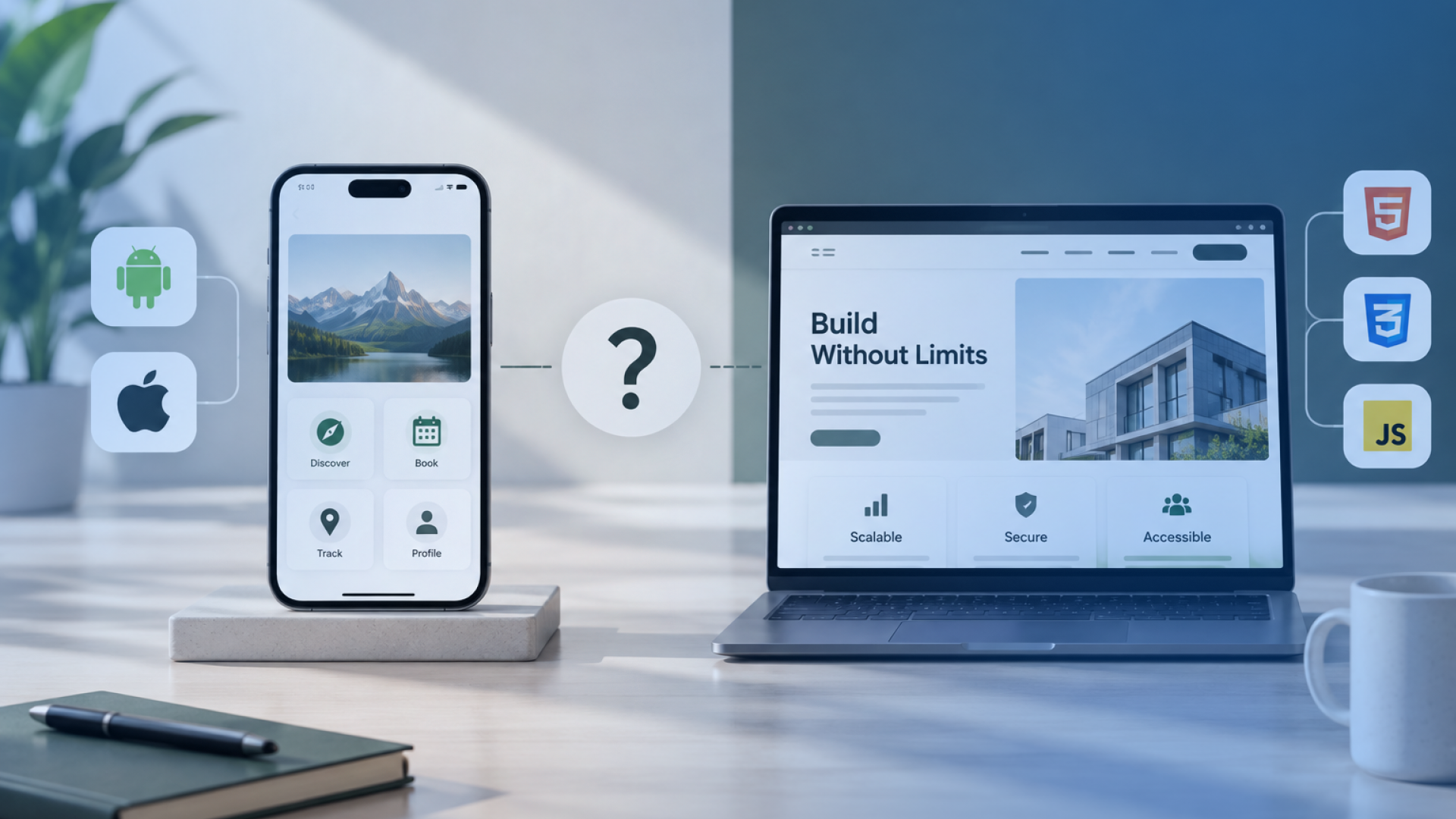


App development and web development support different goals, users, and product journeys. A mobile app works well for frequent use, offline access, push notifications, and device features such as cameras, GPS, or biometrics. A website or web application gives users quick browser access, broader search visibility, easier updates, and fewer installation barriers.
The right choice depends on how people will use the product. Irish businesses should assess user frequency, required features, budget, delivery time, security, GDPR duties, maintenance, integrations, and future growth. A startup testing demand may begin with a responsive website or web application. A business that depends on repeat engagement or mobile hardware may need a native or cross-platform app.
Some products also benefit from a progressive web app or a combined mobile and web platform. These routes can support different users without forcing one interface to handle every task. This guide compares app development vs web development through practical business factors, so you can choose a route that fits your users, resources, and long-term plans. The goal is a useful product, not a costly platform chosen early.
What Do App Development and Web Development Mean?
App development creates software that users install or access through mobile devices. Native applications use platform-specific tools for iOS or Android. Cross-platform applications share part of their code across both systems. Progressive web apps use browser technology but can offer selected app-like functions.
Web development covers websites and web applications. A website usually presents content, services, or company information. A web application lets user’s complete tasks, manage data, use dashboards, or access account-based features through a browser.
This distinction matters because a website and web application do not serve the same purpose. They share browser access, but their functions, data flows, and development scope differ. Irish businesses should define the required product type before requesting estimates. Clear terms help teams compare the right options, prepare a useful brief, and avoid confusion during web application development planning.
How Do Mobile Apps and Web Platforms Differ?
Mobile apps run through operating systems such as iOS and Android. Users usually download them from an app store before use. Web platforms run through browsers, so users can open them through a link without installing software.
Comparison factor | Mobile app | Web platform |
Access | Installed on a device | Opened through a browser |
Distribution | Apple App Store, Google Play, or private channels | Website link or search result |
Device features | Strong access to cameras, GPS, biometrics, and Bluetooth | Access depends on browser and device support |
Offline use | Can store data and support deeper offline tasks | May support limited offline use through caching |
Push notifications | Broad support through mobile systems | Support varies by browser and operating system |
Updates | May require store review and user downloads | Teams deploy updates from one central system |
This distribution model changes how teams control releases. Web updates can reach users as soon as the new version goes live. Mobile releases pass through app-store review, and some users delay installing updates.
Mobile apps provide deeper device access, while web platforms offer immediate access across many devices. Irish businesses serving users across Ireland and the EU may need both browser reach and mobile platform support. These differences create the business-fit conditions covered in the next section.
Which Business Goals Suit an App or Web Platform?
The right product depends on the goal, user behaviour, and required workflow. Company size matters less than how people will access and use the service.
Business goal | Better starting route | Why it fits |
Reach new customers through search | Website or web application | Users can open the product without installation |
Support frequent customer use | Mobile app | Stored access, notifications, and faster return journeys support retention |
Test a new idea | Website, web application, or MVP | The team can validate demand before funding several interfaces |
Manage internal tasks | Web application | Staff can access dashboards, forms, and shared data through browsers |
Use camera, GPS, biometrics, or Bluetooth | Mobile app | Native or cross-platform development provides deeper device access |
Sell products online | Website first, app later if needed | Search visibility supports acquisition, while an app supports repeat purchases and loyalty features
|
Run a SaaS product | Web application | Browser access suits account-based workflows across many devices |
Example: Aquinas Education shows where a mobile app can offer more value than a browser-based platform. Its users needed quick access to learning features from their phones, especially when they were away from a desktop. Square Root Solutions developed a mobile app that supported secure access, simple navigation, and a smoother experience for students who needed to use the platform throughout the day.
EduSmart Planner followed a different route. Instead of an installed app, the platform required a browser-based system where users could manage planning workflows, organise learning content, view progress, and access account features across devices. Square Root Solutions has provided web app development solutions for EduSmart Planner, making web development the better fit for dashboards, structured planning tools, admin features, and cross-device access.
Irish startups and SMEs can use staged delivery to reduce early risk. A business can launch a web-based MVP, review analytics, and add a mobile app after users show frequent demand. This approach protects the budget while keeping future growth open. The chosen goal will also shape the performance, user experience, and visibility needs covered next.
How Do Performance, User Experience, and Visibility Compare?
Mobile apps and web platforms create different user journeys. A mobile app offers fast interactions, stored preferences, smooth navigation, and familiar device controls. A web platform gives users immediate access through a browser, which removes the need for installation.
Comparison factor | Mobile app | Web platform |
Performance | Can support fast, device-level interactions | Depends on browser, connection, code, and hosting |
User experience | Uses native or app-style controls | Uses responsive layouts across screen sizes |
Access friction | Requires download and installation | Opens through a direct link |
Search visibility | Relies mainly on app stores and brand demand | Can appear in Google search results |
Repeat use | Supports saved sessions, notifications, and home-screen access | Supports quick return through links, bookmarks, or accounts |
Performance alone should not decide the route. A well-built web application delivers fast, clear workflows. A mobile app offers deeper interaction for frequent users and device-dependent tasks.
Visibility creates another key difference. Irish businesses that depend on unbranded Google searches benefit from a web-first route. A mobile app strengthens retention after the business builds demand. These experience and visibility needs will also affect development cost and delivery time.
How Do App and Web Development Costs and Timelines Compare?
App and web development costs depend on product scope, technical depth, and supported platforms. A simple website requires less work than a mobile app. However, a complex web application with user roles, APIs, dashboards, and data processing can cost more than a focused mobile product.
Cost and timeline factor | Mobile app impact | Web platform impact |
Platform coverage | iOS and Android require separate platform testing | One codebase may serve several browsers and devices |
Backend development | APIs, databases, and admin tools increase scope | The same backend needs may apply to a web application |
Integrations | Payments, maps, analytics, and third-party systems add effort | Integrations create similar planning and testing needs |
Testing | Teams must test devices, operating systems, and screen sizes | Teams must test browsers, devices, and responsive layouts |
Release process | App-store review extends the release schedule | Central deployment gives teams more release control |
Feature depth | Offline use and device access increase development work | Complex workflows and data handling may increase development work |
A cross-platform app can reduce some repeated frontend work, but it still needs platform testing. A web application launches faster when browser access meets the full user need.
Irish organizations should request euro-based estimates linked to features, integrations, platforms, testing, and ownership. A clear scope gives a more useful estimate than a broad app-versus-website price comparison. These initial delivery choices also shape maintenance, security, and support after launch.
How Do Maintenance, Security, GDPR, and Scalability Differ?
Mobile apps and web platforms create different ownership tasks after launch. Mobile teams must track operating-system updates, device support, app-store rules, and installed versions. Web teams must manage browser compatibility, hosting, deployments, cached files, and responsive behaviour.
Ownership factor | Mobile app | Web platform |
Updates | Users may delay downloads, while stores may review releases | Teams can deploy updates from one central system |
Security | Teams must protect local data, APIs, accounts, and device permissions | Teams must secure browsers, sessions, servers, APIs, and databases |
Maintenance | iOS and Android changes require platform-specific testing | Browser, framework, and hosting changes require regular testing |
Scalability | Apps depend on backend capacity and API performance | Web platforms depend on hosting, database, caching, and traffic control |
Integrations | Device services and third-party SDKs need ongoing support | APIs and external services need monitoring and version checks |
GDPR duties depend on how the product collects, stores, shares, and deletes personal data. The interface type does not remove these duties. Irish products serving EU users need a lawful basis, suitable access controls, retention rules, processor agreements, and secure data flows. Consent is required where consent forms the lawful basis.
Risk warning: A low launch cost often hides future support work. Teams should plan updates, monitoring, security checks, integration support, and growth before development starts. These ownership limits can make a PWA or combined platform more suitable.
When Should a Business Choose a PWA or Combined Platform?
A progressive web app suits businesses that need browser access with selected app-like features. It supports home-screen installation, offline caching, push notifications, and centrally deployed updates. However, support can vary across browsers, operating systems, and device functions.
Product route | Best fit | Main limitation |
Native app | Deep device access, frequent use, strong offline tasks | Higher platform-specific work |
Cross-platform app | iOS and Android coverage with shared code | Some native work may still be required |
PWA | Fast browser access with selected app functions | Device and background support can vary |
Combined platform | Different mobile and web journeys | More interfaces require more testing |
A combined platform uses one backend, shared authentication, and common REST APIs. The mobile app and web platform can then support different user needs without duplicating all business logic.
Irish businesses may start with a web product, validate demand, and add a mobile app later. This staged route can control early scope while keeping future growth open. The final choice should follow the required features, user habits, budget, and long-term product plan.
How Can Irish Businesses Choose the Right Development Route?
Irish businesses should choose a platform by testing the product against clear business and technical conditions.
Define the main goal: Choose web for reach, content, search visibility, or browser-based workflows. Choose mobile when installed access or device features create direct value.
Review user behaviour: Frequent use, saved sessions, notifications, and offline tasks support an app-first decision. Occasional use and quick access support a web-first decision.
List essential features: Confirm whether the product needs GPS, cameras, biometrics, dashboards, payments, APIs, or offline data.
Check budget and delivery limits: Count platforms, integrations, testing paths, release work, and long-term support.
Plan ownership: Review maintenance, security, GDPR duties, browser support, operating-system updates, and growth needs.
Platform-selection checklist
Choose a website for content, leads, and public information.
Choose a web application for accounts, dashboards, and business workflows.
Choose a mobile app for repeat use and deeper device access.
Choose a PWA for browser reach with selected app-like functions.
Choose both when mobile and web users need different journeys.
Square Root Solutions can review your product goal, users, integrations, and delivery limits. The review can produce a recommended route, high-level scope, key risks, and likely delivery phases.
FAQ:
Can a web application work without an internet connection?
A web application can support limited offline use through caching, local storage, and service workers. The available functions depend on browser support and product design. Teams should define which screens, actions, and data must remain available during weak or missing connections.
Can one backend support both a mobile app and web application?
Yes. A shared backend can provide APIs, authentication, business rules, and data services to both interfaces. This setup reduces repeated backend logic. However, each interface still needs separate design, testing, release planning, and support.
Does every mobile app need approval from Apple and Google?
Public apps distributed through the Apple App Store or Google Play require store review. Private business apps use alternative distribution routes where the selected platform and organisation permit them. Review rules, account setup, store policies, and approval time should form part of the launch plan.
Which option is easier to update after launch?
Web platforms allow central updates, so users receive changes when they next open the product. Mobile apps may require store approval and user downloads. Both routes still need testing, monitoring, security checks, and support.
Does GDPR apply differently to mobile apps and websites?
GDPR applies to personal-data processing, not the interface type. Irish and EU-facing products may need lawful data use, consent controls, access limits, retention rules, processor agreements, and secure data flows across both mobile and web platforms.